Make a Uptown Funk AI Crew Video
Last updated:
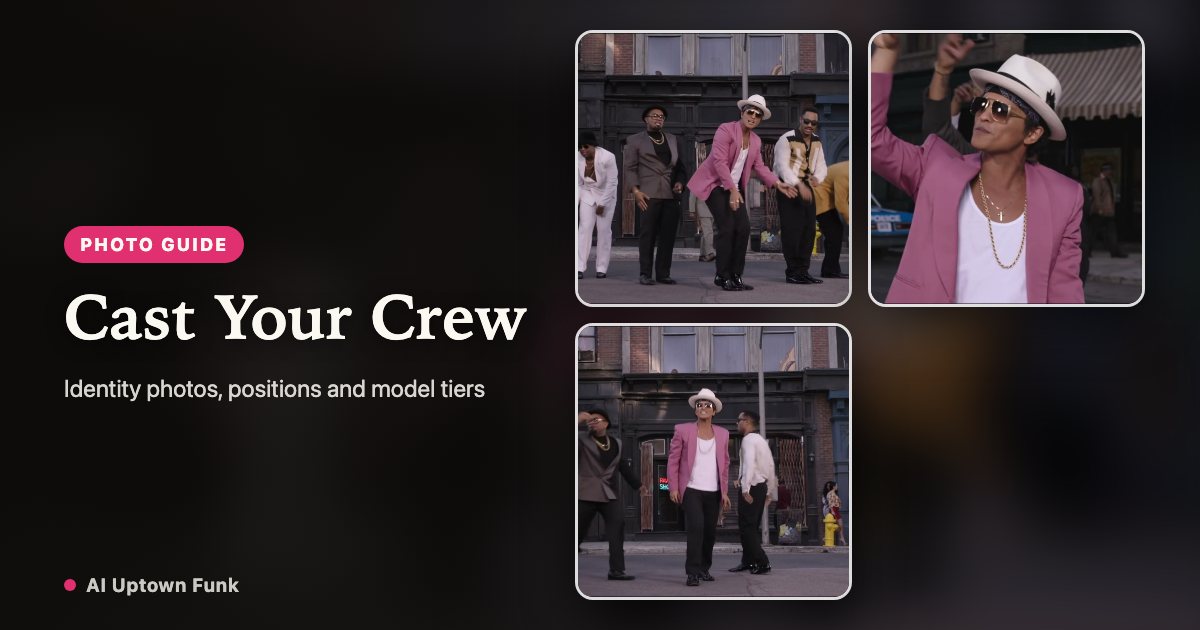
You do not need to film the routine. You do need a clear portrait for each person and their permission to use it. Here is how to cast a crew without confusing identity, outfit and motion references.
1. Choose the cast before choosing photos
Select 1–5 people in the generator. That count is the number of performers you want to replace, not the total number of people in the background. The center lead is the first reference; each additional photo goes into a separate labeled slot.
For a trio, use the lead and two outside positions. For a full crew, fill all five slots. Do not put a group photo into a single slot and expect the site to detect and assign everyone automatically.
2. Prepare one portrait per person
Use a sharp, evenly lit photo with one adult facing the camera. Keep the head, shoulders and upper torso visible. Choose a photo without a heavy beauty filter, sunglasses or objects covering the face. A front-facing identity photo is more useful than a dramatic distant pose.
JPG, PNG and WebP are accepted, up to 10 MB per image. Every image is checked separately. Images belonging to another account, expired uploads and repeated upload identifiers cannot be used to start a paid generation.
3. Confirm the positions and outfit direction
Photo 1 maps to the center lead. Photo 2 maps to far left, photo 3 to far right, photo 4 to inner left and photo 5 to inner right. Left and right refer to the viewer’s group-shot perspective. The solo and close-up moments remain focused on the lead.
Keep my look asks the model to preserve the clothing in your portraits. Retro suits, Football crew and Wizard crew request a different coordinated wardrobe. Those presets change styling instructions; the reference remains the street routine.
4. Check the model tier and credits
For 1–3 people the generator selects Kling 3.0 Omni and charges 99 credits. The matching one-time pack is $9.90. For 4–5 people it selects Kling 4.0 and charges 199 credits; the matching pack is $19.90. All outputs are 15 seconds.
The server verifies the actual number of owned, usable uploads before it deducts anything. A balance from earlier purchases can cover the job. Pack credits do not expire, and there is no recurring subscription. Taxes, if applicable, appear at checkout.
5. Generate and review
Confirm the consent box only after every person has agreed and meets the age requirements. Start the render and follow its progress in the generator or My videos. Rendering can take several minutes, depending on the provider queue.
Review the entire clip, including the wide shot and the last pose. Check for face swaps, blended identities, sliding feet or distorted hands. Multiple references improve the instructions, but they do not make identity or choreography perfectly reliable. Failed jobs return the credits deducted; contact support with the job ID if a completed clip is clearly broken.
6. Download before the retention deadline
Finished videos are kept for 30 days after they finish. Download the MP4 while it is available. Photos are deleted automatically 7 days after upload. Your dashboard shows the expiry date where applicable.
Share the clip as an AI-generated remix. Do not suggest that the performers actually filmed it or that a public figure endorses the result. The supplied reference soundtrack is kept in the finished clip; it is not replaced with newly generated music.
Your crew. The Uptown Funk routine.
Create my crew video