Seedance vs Kling for Uptown Funk AI Videos
Last updated:
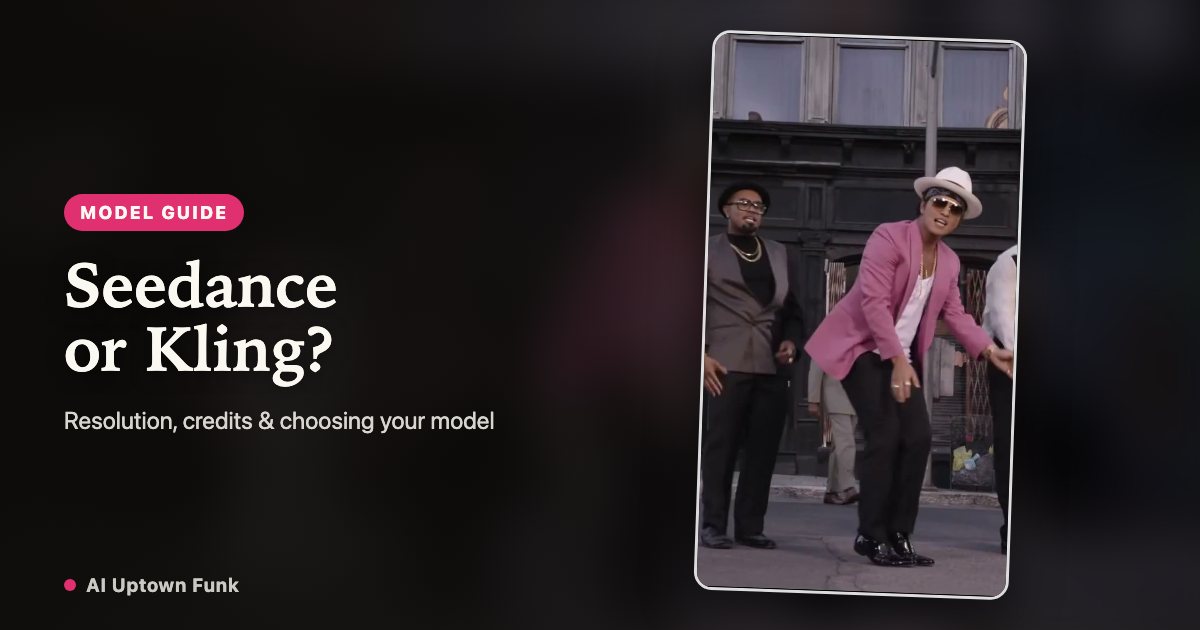
For a first Uptown Funk crew video, start with Seedance 2.0 · 720p if you want a middle-resolution option, or Seedance 2.0 · 480p if keeping the credit spend low matters most. Choose Seedance 2.0 · 1080p when you need a 1080p file. Kling 4.0 · 720p is another option to compare at the same 720p credit cost. Here is how to decide for your photos.
Start with the file you need
Every option on AI Uptown Funk makes a 15-second, 16:9 video using the built-in dance reference and 1–5 portrait photos. Choose a model and resolution separately from your cast size: adding more people does not move you into a more expensive tier.
For a small preview or a low-cost first attempt, Seedance 2.0 · 480p costs 99 credits. For a 720p file, Seedance 2.0 · 720p, Seedance 2.5 · 720p and Kling 4.0 · 720p each cost 149 credits. If your editing or delivery workflow requires 1080p, choose Seedance 2.0 · 1080p at 199 credits. These are the options offered by this site, rather than a list of every feature available in each model family.
When to choose Seedance
Choose Seedance when the resolution choice is your main requirement. Seedance 2.0 · 480p is the lowest-credit option here; Seedance 2.0 · 720p gives you the middle tier; Seedance 2.0 · 1080p is the available 1080p option. That makes the family a useful starting point when you already know the file size and display resolution you want.
Seedance 2.5 · 720p is also available at 149 credits. Treat it as another 720p candidate for your particular portraits and outfit choice. A version number alone does not establish that its result will preserve your cast better. Likewise, selecting 1080p requests more output pixels; it does not guarantee more accurate faces, grounded feet or cleaner hands.
When to choose Kling
Choose Kling 4.0 · 720p when you want to try a different model on the same crew and reference. At 149 credits, it has the same per-render cost as Seedance 2.0 · 720p in this site’s 720p tier. You can therefore compare the two without introducing a resolution or credit-cost difference.
If a completed Seedance render has a face swap after a cut, an outfit change or awkward movement, first check the portrait and assigned position. Then consider a Kling attempt with those inputs held fixed. This is a way to test an alternative, not evidence that one model always handles dance or identity better. Queue times also vary; choose from the displayed options rather than assuming one family always finishes sooner.
Compare at 720p with one variable changed
Use the same photos, cast size, photo order and outfit direction for a Seedance 2.0 · 720p and a Kling 4.0 · 720p render. Budget 298 credits for the two attempts. Starting with different people, clothes and resolutions would make it harder to tell what changed because of the model.
Watch both clips from beginning to end. Check the lead in close-ups, each friend in the wide lineup, identity after every cut, feet during kicks and spins, and hands where dancers overlap. A good first frame is insufficient. Prefer the clip that works across the whole routine; there is no need to buy a larger-resolution render merely because a single still looks sharper.
Match the credit pack to the render
A zero-balance account can buy 99 credits for $9.90, 149 credits for $14.90, or 199 credits for $19.90. Those packs cover one render at the entry, 720p or 1080p tier respectively. Applicable taxes appear at checkout.
A credit pack adds to your shared balance; it does not lock you into a model. You can combine an existing balance with a new purchase, and unused purchased credits do not expire. Each comparison attempt is a separate paid render. Failed tasks return the credits charged for that task; a completed result is not automatically free because you prefer the other model. Contact support with the video ID if a finished clip is clearly broken.
Keep the soundtrack and cast preparation consistent
AI Uptown Funk keeps the supplied reference soundtrack by copying its audio track into the finished video. Choose between these models for the visual result in this workflow, rather than expecting a different song or voice from a different model.
Use one clear, evenly lit adult portrait per slot, with permission from each person. Photo 1 is the center lead; keep the remaining photo order unchanged during a comparison. Download the preferred result within the displayed retention period and keep the AI-generated disclosure when sharing. For a first attempt, Seedance 2.0 · 720p is a practical starting point; use Kling 4.0 · 720p to test an alternative, and Seedance 2.0 · 1080p when 1080p is a delivery requirement.
Your crew. The Uptown Funk routine.
Create my crew video